
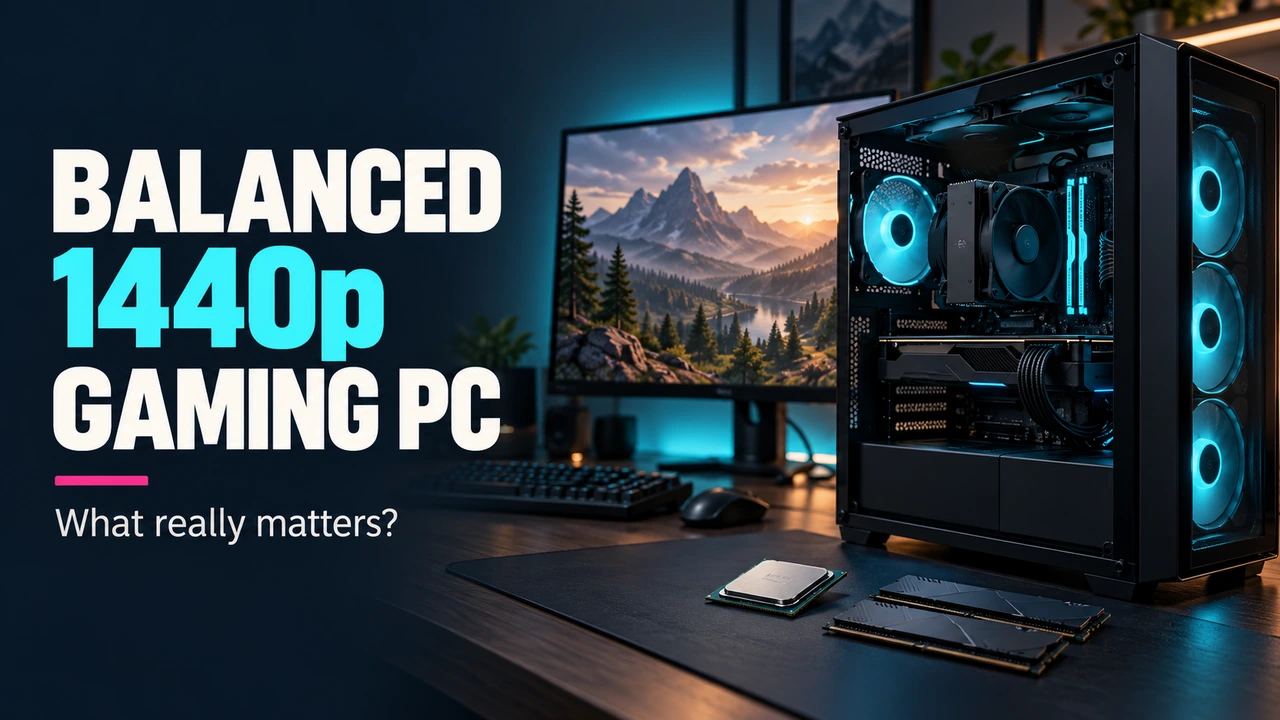
A "balanced" 1440p gaming PC means no single component is so far ahead of — or behind — the rest that it wastes money or holds back the system. That balance is a relationship between parts, not a fixed shopping list, so this guide focuses on the decision framework rather than specific current products or prices.
Start with CPU/GPU balance, not a part number
The core idea of balance is straightforward: at 1440p, the GPU generally does more of the heavy lifting than the CPU, because rendering more pixels shifts load toward the graphics card. Pairing a very high-end CPU with a modest GPU wastes money on CPU headroom the games won't use at that resolution; pairing a powerful GPU with a weak or outdated CPU risks the CPU limiting how many frames the GPU is ever asked to render, especially at higher refresh rates.
Practically, this means:
- Pick your target GPU tier based on the resolution and settings you actually want, first.
- Pick a CPU from the same general performance generation/class as that GPU tier, rather than the newest flagship or the cheapest option available.
- If you're chasing a high refresh rate (144 Hz+) rather than just "smooth 1440p," CPU choice matters more than it does for a 60–75 Hz target, since higher frame rates lean harder on CPU-side frame preparation.
If you're unsure where your existing parts land relative to a specific game's official requirements, Can I Run It and Upgrade Advisor both exist precisely to answer that against real, sourced requirement data rather than guesswork.
RAM: capacity first, speed second
16 GB has become the practical baseline for current games — it's not a Game Rig Lab invention; it's where official requirements have settled. War Thunder's own recommended specification, for example, lists 16 GB. 32 GB is worth considering if you regularly run background-heavy workloads alongside gaming — streaming software, a browser with dozens of tabs, or creative applications — but it is not a requirement most current games ask for on their own.
Dual-channel configuration (two matched sticks rather than one larger single stick) is worth prioritizing over chasing the highest-clocked kit available, since many platforms see a larger real-world benefit from running in dual-channel than from marginal frequency increases alone.

Storage: capacity and the current market context
An NVMe SSD as the primary drive is the current standard for a gaming build — it's less about raw game load times in every title and more about consistent asset streaming in modern engines. Beyond drive type, capacity is the practical planning question: modern AAA titles frequently ask for 70–100+ GB of install space (see the War Thunder example above), so a single 500 GB drive fills up fast once a handful of large titles are installed.
One honest caveat worth flagging here: as of mid-to-late 2026, memory and storage component pricing has been unusually volatile industry-wide, driven by manufacturers redirecting production capacity toward AI data-center demand. This affects both RAM and NAND flash storage pricing, not just RAM. See Game Rig Lab's coverage of the 2026 memory shortage for the sourced details — it's directly relevant to timing a build or upgrade right now, and we won't repeat specific dollar figures here since they change quickly enough that a snapshot in this article would go stale.
PSU: size for real headroom, not a guess
A power supply should be sized with realistic headroom above your components' actual combined draw — not padded arbitrarily, and not cut so close that the system has no margin for power spikes under load. Beyond wattage, efficiency certification is worth understanding: the 80 PLUS certification program (Bronze through Titanium) rates a PSU's efficiency at different load levels, with higher tiers wasting less power as heat under both light and peak load. A mid-tier 80 PLUS Gold unit from a reputable manufacturer is a reasonable default for most 1440p builds; chasing the highest efficiency tier available mainly matters if electricity cost or noise from PSU fan ramp is a specific priority for you.
Cooling: match the plan, not the marketing
Cooling needs follow directly from your CPU and case airflow choices, not from a fixed rule:
- A capable air cooler is sufficient for the large majority of current mid-range and upper-mid-range CPUs at stock or mild power limits.
- An all-in-one liquid cooler mainly earns its cost with higher-power CPUs, tighter case clearance situations, or a deliberate quiet-acoustics goal — it is not automatically "better" for every build.
- Case airflow (intake/exhaust fan balance and unobstructed front/top vents) affects sustained performance under load more than most single component upgrades, and it's often the cheapest fix available if a build is running hotter than expected.
Avoiding unnecessary overspending
Balance also means not over-provisioning parts the rest of your system can't use:
- A PSU rated far beyond your actual power draw adds cost without a proportional benefit.
- RAM speed beyond what your CPU/motherboard platform meaningfully uses has diminishing returns.
- A GPU tier far above what your monitor's resolution and refresh rate can display is wasted headroom — match the GPU to the display, not the display to the GPU, unless a future monitor upgrade is already planned.
Use the PC Build Recommender
Game Rig Lab's PC Build Recommender applies this same balance logic against a specific game's official requirements to suggest a performance-suitable CPU/GPU/RAM core, rather than a generic "gaming PC" template.
Conclusion
A balanced 1440p build isn't defined by any single component — it's the relationship between your GPU tier, CPU class, RAM capacity, storage plan, PSU headroom, and cooling approach, all sized to the resolution and refresh rate you're actually targeting. Get the CPU/GPU pairing right first; everything else follows from that decision.
Sources
- 80 PLUS® Certification Program — CLEAResult, official program details and efficiency tiers.
- War Thunder official recommended system requirements — see Game Rig Lab's own War Thunder requirements guide, sourced from the game's official Steam listing.