
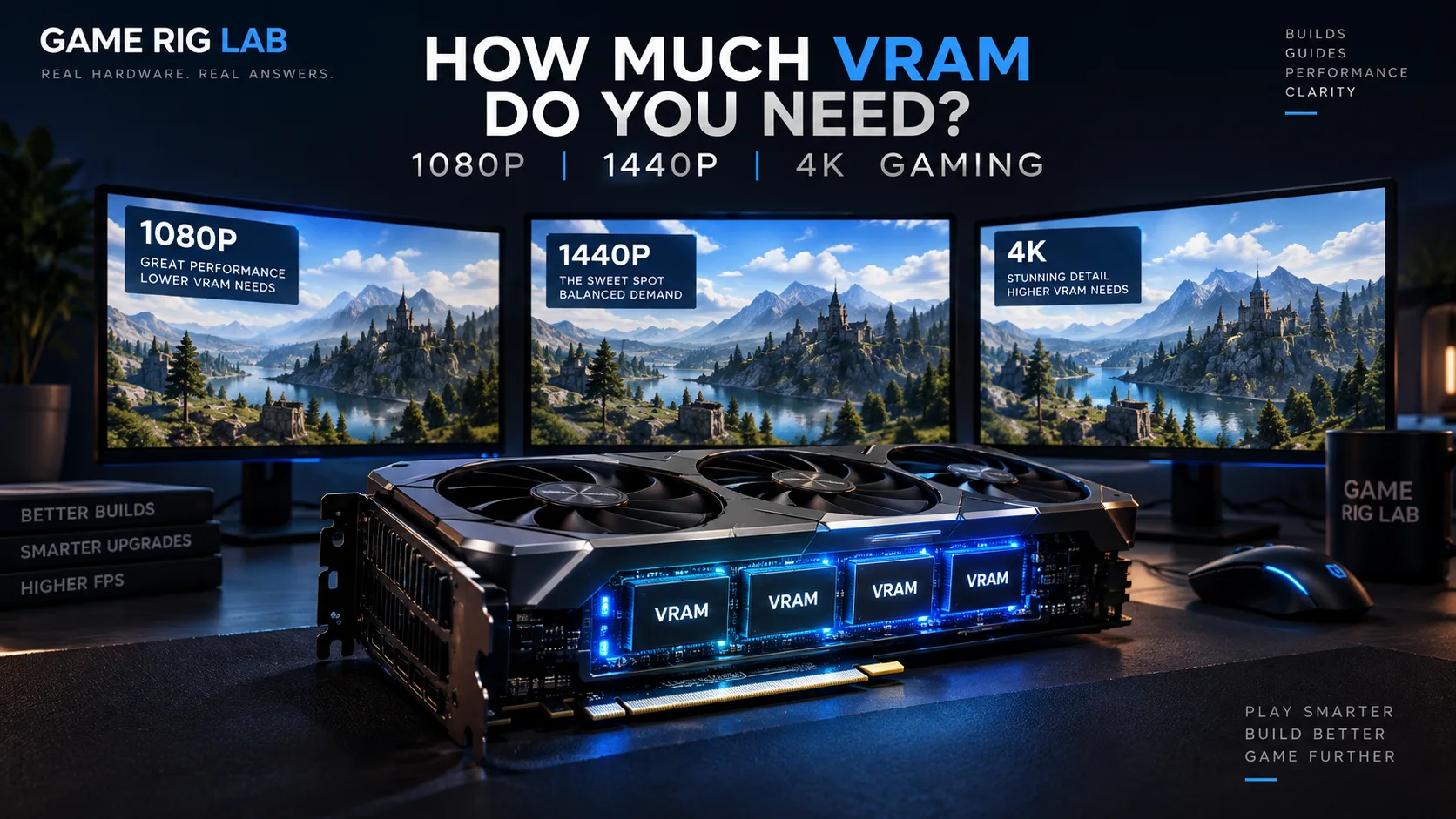
There is no single VRAM number that is correct for every game at every resolution — anyone promising one is oversimplifying. What follows is the actual relationship between VRAM, resolution, and settings, plus a practical way to decide how much you need for your own use case.
What VRAM actually does
VRAM (video RAM) is memory built onto the graphics card itself, separate from your system's main RAM. The GPU uses it to hold everything it needs immediate access to while rendering a frame: textures, geometry data, frame buffers, shadow maps, and — for ray-traced titles — acceleration structures used to calculate reflections and lighting. If the data a game wants to keep in VRAM exceeds what the card has, the system has to fall back to shuffling data in from system RAM or storage, which is dramatically slower and shows up as stuttering, texture pop-in, or a sudden frame-rate drop, even if the GPU's core processing power would otherwise be sufficient.
Why VRAM demand varies by game
VRAM usage is driven mainly by:
- Resolution. Frame buffers and most render targets scale directly with pixel count, so 4K uses meaningfully more VRAM than 1080p at otherwise identical settings.
- Texture quality. This is usually the single biggest lever a player controls directly — "Ultra" texture packs can be several times larger than "Medium" ones in the same game.
- Ray tracing. Ray-traced reflections, shadows, and global illumination require additional acceleration-structure data held in VRAM alongside standard rasterized assets.
- Anti-aliasing method and upscaling. Techniques like DLSS or FSR render internally at a lower resolution and reconstruct the final frame, which can reduce VRAM pressure compared to native rendering at the same output resolution — but the exact effect depends on the implementation.
- Game engine and asset design. Open-world titles with large streaming texture pools tend to be heavier than smaller, more contained levels, independent of resolution.
Because of this, two games at the same resolution and the same "Ultra" preset label can have very different real VRAM footprints. Any single blanket number is necessarily an approximation.

The general resolution relationship
As a general pattern — not a guarantee for any specific game — VRAM demand tends to increase with resolution in roughly this order:
| Resolution | Typical VRAM pressure |
|---|---|
| 1080p | Lowest of the three; most current mid-range cards are built around this tier |
| 1440p | Meaningfully higher than 1080p, especially with high texture settings |
| 4K | Highest; frame buffers alone are 4x the pixel count of 1080p, before textures or ray tracing are considered |
This is a trend, not a formula — a 1440p game with modest textures can use less VRAM than a 1080p game with an oversized texture pack and ray tracing enabled.
Current-generation VRAM examples
To ground this in real hardware rather than abstractions, here is what current GPU tiers actually ship with, according to each manufacturer's own published specifications:
| GPU | VRAM | Source |
|---|---|---|
| NVIDIA GeForce RTX 5060 | 8 GB GDDR7 | NVIDIA |
| NVIDIA GeForce RTX 5060 Ti | 8 GB or 16 GB GDDR7 (two configurations) | NVIDIA |
| NVIDIA GeForce RTX 5070 | 12 GB GDDR7 | NVIDIA |
| NVIDIA GeForce RTX 5070 Ti | 16 GB GDDR7 | NVIDIA |
| NVIDIA GeForce RTX 5080 | 16 GB GDDR7 | NVIDIA |
| NVIDIA GeForce RTX 5090 | 32 GB GDDR7 | NVIDIA |
| AMD Radeon RX 9070 | 16 GB GDDR6 | AMD (corroborated, see note below) |
| AMD Radeon RX 9070 XT | 16 GB GDDR6 | AMD (corroborated, see note below) |
Notice the pattern: entry-to-mainstream cards (RTX 5060, RTX 5060 Ti's 8 GB configuration) sit at 8 GB, the popular mid-to-upper-mid tier (RTX 5070 Ti, RTX 5080, RX 9070/9070 XT) has standardized around 16 GB, and only the flagship RTX 5090 goes meaningfully beyond that. That tiering is itself a useful signal — GPU manufacturers generally pair VRAM capacity with the resolution and settings tier a card is built to target.
Signs VRAM is your actual bottleneck
This is Game Rig Lab editorial guidance rather than a universal rule, but VRAM-specific bottlenecks typically show a distinct pattern that's worth distinguishing from a general GPU-power shortfall:
- Textures visibly loading in late or staying blurry ("texture pop-in")
- Sudden, sharp frame-time spikes or stutter that a lighter texture setting resolves, while other settings don't
- Frame rate that drops disproportionately when only texture quality is raised, with other settings held constant
If instead performance scales smoothly down as you reduce shadow quality, ray tracing, or resolution, that points to general GPU processing power rather than VRAM capacity specifically.
A sensible upgrade decision framework
Rather than chasing a specific VRAM number in isolation, decide in this order:
- Start from your target resolution and refresh rate, not the other way around.
- Check the games you actually play, since VRAM needs genuinely vary — a competitive shooter with modest textures and a large open-world RPG with 4K texture packs are not comparable.
- Treat VRAM and core GPU performance as a pair, not separately: a card with a lot of VRAM but not enough rendering power still won't hit high frame rates, and vice versa.
- Leave headroom if you plan to keep the card for several years — VRAM requirements have generally trended upward release over release, though the pace varies by genre and engine.
Where Game Rig Lab's tools help
If you're deciding whether your current GPU is the actual limiting factor for a specific game, Upgrade Advisor compares your saved or entered hardware against a game's official requirements and flags which specific component is holding you back. If you're starting from scratch, Can I Run It does the same check against any supported title before you buy.
Conclusion
VRAM is necessary but not sufficient on its own — it interacts with resolution, texture settings, ray tracing, and the specific game you're playing, so no single number is correct for everyone. Current-generation cards give a useful reference point: 8 GB sits at the entry tier, 16 GB has become the mainstream-to-upper-mid standard, and only flagship cards go further. Use your actual target resolution and game library to decide where you fall on that scale, rather than anchoring to a single "recommended" figure.
Sources
Every NVIDIA figure in the table above was directly verified against NVIDIA's own product pages during editorial review (not just search-result summaries):
- GeForce RTX 5060 Family Graphics Cards — RTX 5060 (8 GB), RTX 5060 Ti (8 GB / 16 GB).
- GeForce RTX 5070 Family Graphics Cards — RTX 5070 (12 GB), RTX 5070 Ti (16 GB).
- GeForce RTX 5080 Graphics Cards — RTX 5080 (16 GB).
- GeForce RTX 5090 Graphics Cards — RTX 5090 (32 GB).
The AMD RX 9070 / RX 9070 XT figure (16 GB GDDR6) could not be confirmed by directly loading an AMD product page in this session (repeated fetch attempts to amd.com timed out), but it is corroborated by a search restricted to amd.com's own domain (surfacing AMD's own driver-download page, which states 16 GB), and independently by multiple reviewer outlets (Tom's Hardware, GamersNexus) and a board-partner (Sapphire) specification page — all consistent with each other. This is one notch below the direct-fetch confidence of the NVIDIA figures above.